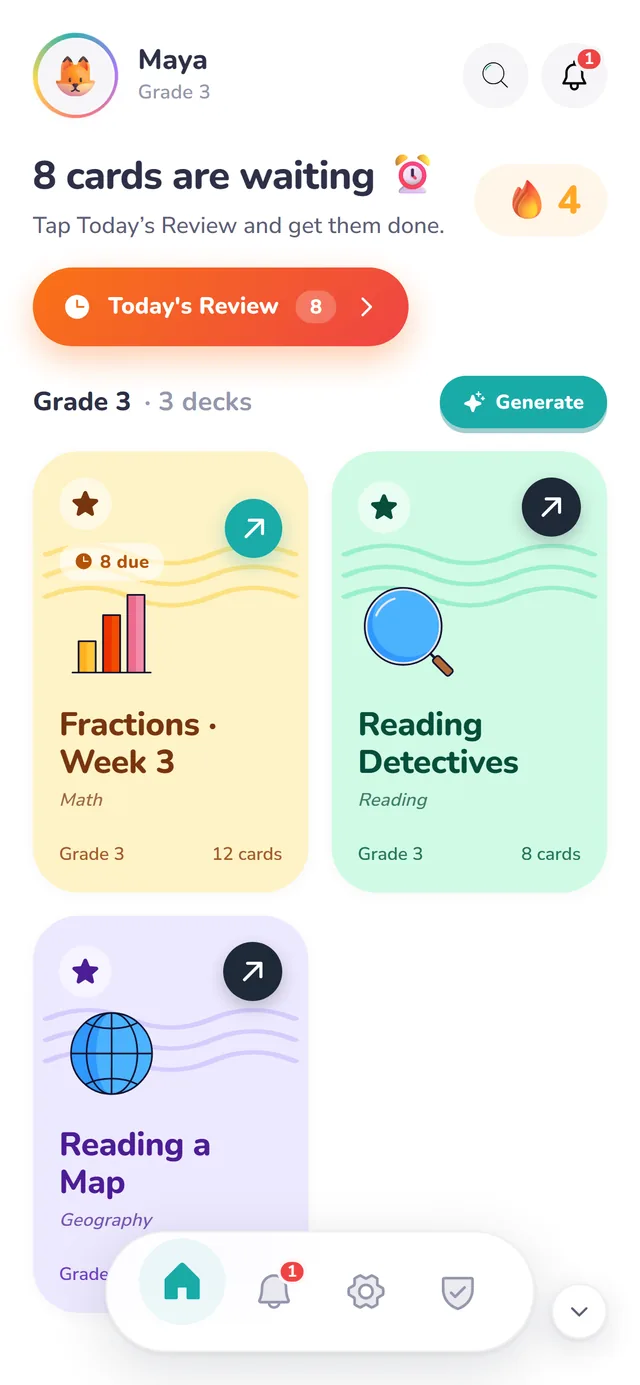
The learning app for kids 3 to 12

Short daily practice that makes school stick.

SwypeLearn turns reading, math and spelling into a few minutes of swipe cards a day. Every card comes back right before it would be forgotten, so this week's lesson is still there next month.

  • Free to start
  • No ads
  • Early Years to Grade 8

Hand-built decks for

  • Phonics
  • Reading
  • Spelling
  • Writing
  • Math
  • Science
  • History
  • Geography
  • Thinking skills

How it works

Practice that fits between breakfast and the bus.

Setting up takes a few questions. After that, SwypeLearn decides what your child sees each day, and you don't have to plan a thing.

1Pick their grade

A shelf of decks made for their year.

Choose your child's age and grade, from Early Years to Grade 8. Their shelf fills with decks written for that year, from phonics and spelling to fractions, science and map skills.

2Or bring your own

Snap the study pack.

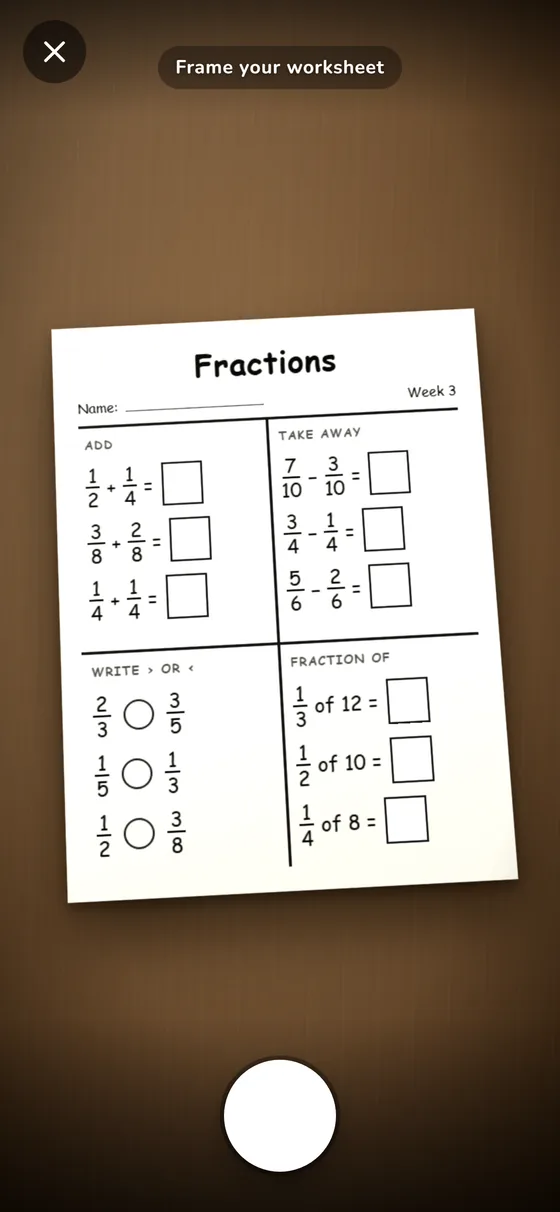
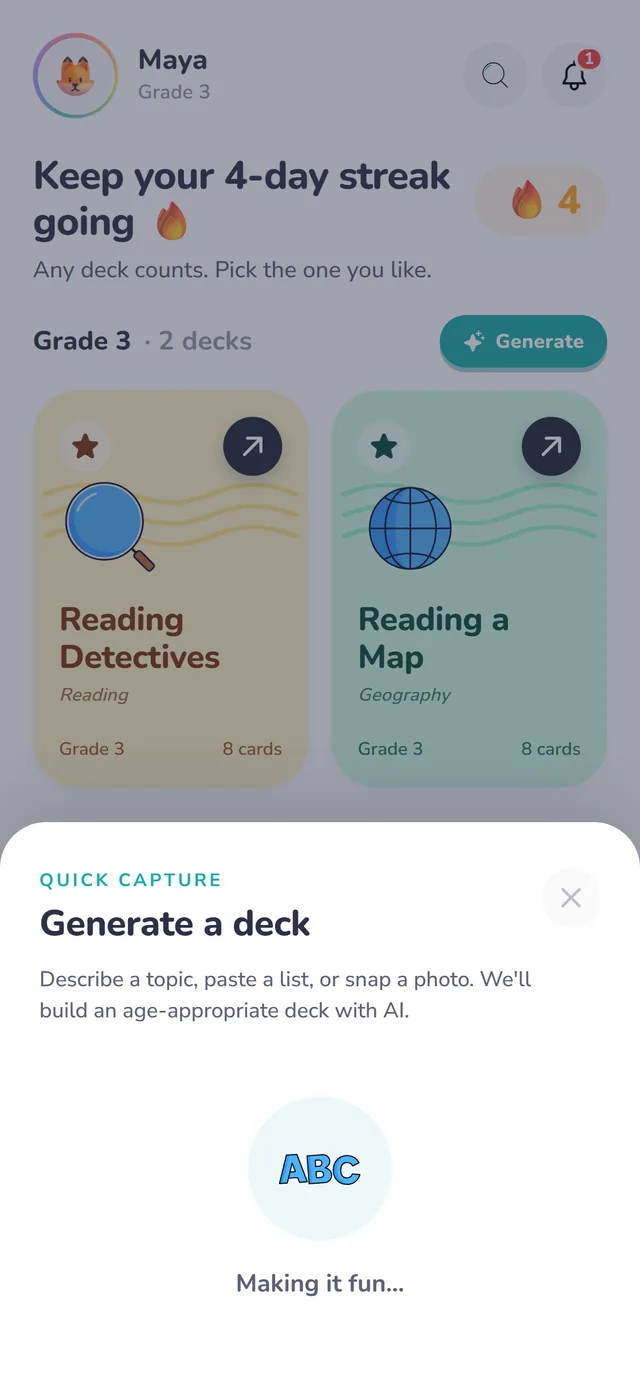
Point the camera at a worksheet, a spelling list or a page from their reading book. SwypeLearn turns that exact page into a deck, so practice lines up with what the teacher sent home. You can also type a topic or paste a list.

The camera framing a Week 3 fractions worksheet
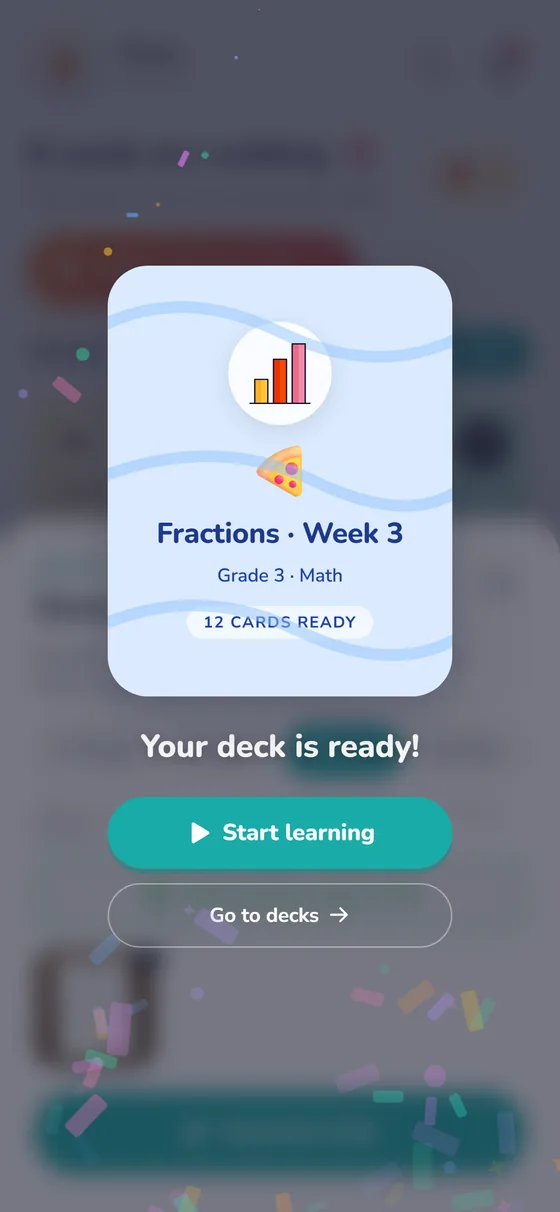
Your deck is ready: Fractions, Week 3, Grade 3 Math, 12 cards ready

3A few minutes a day

Then they swipe.

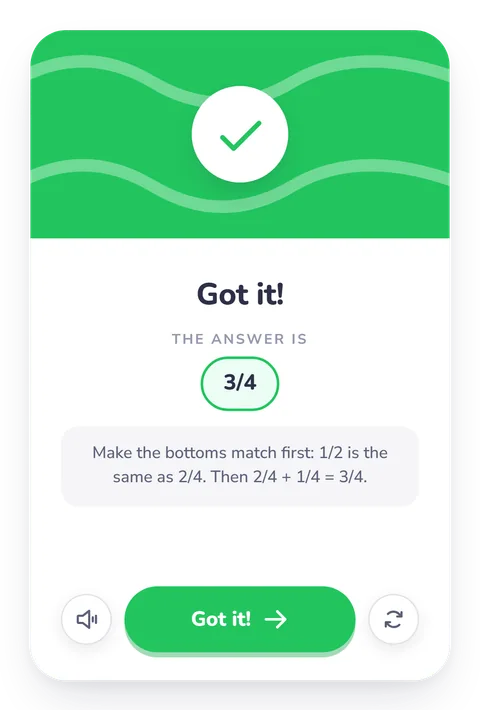
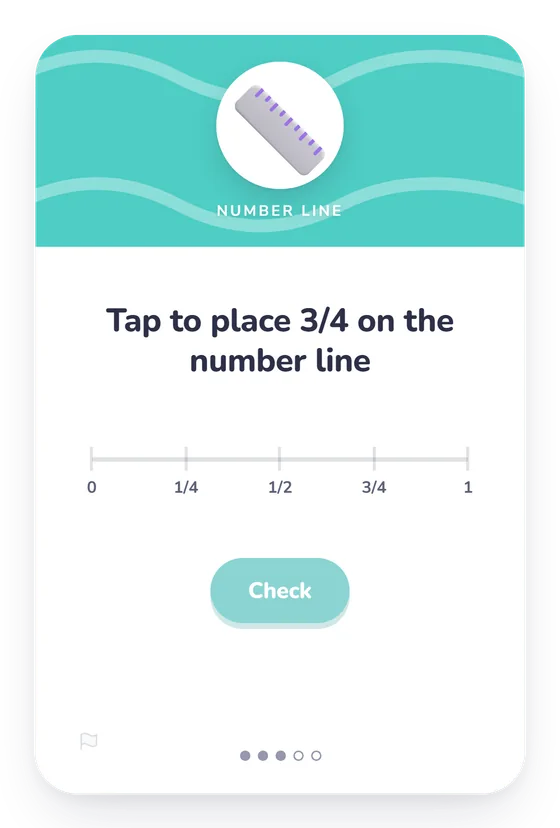
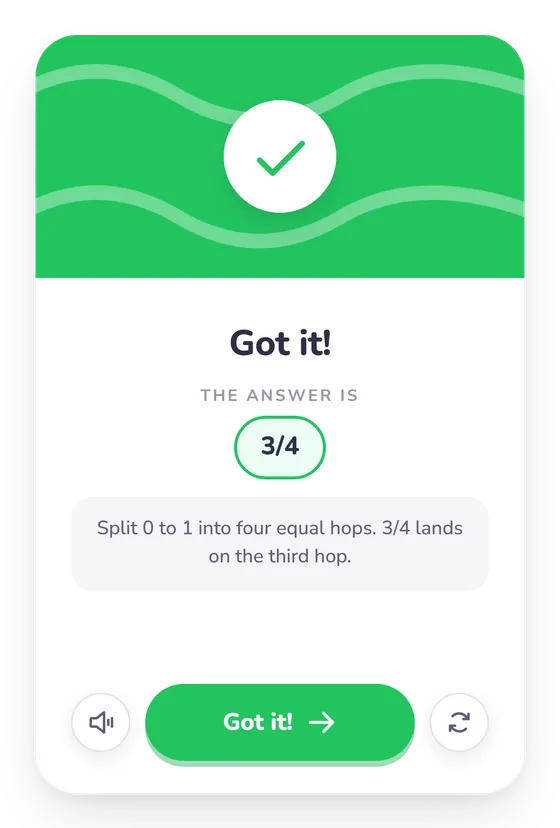
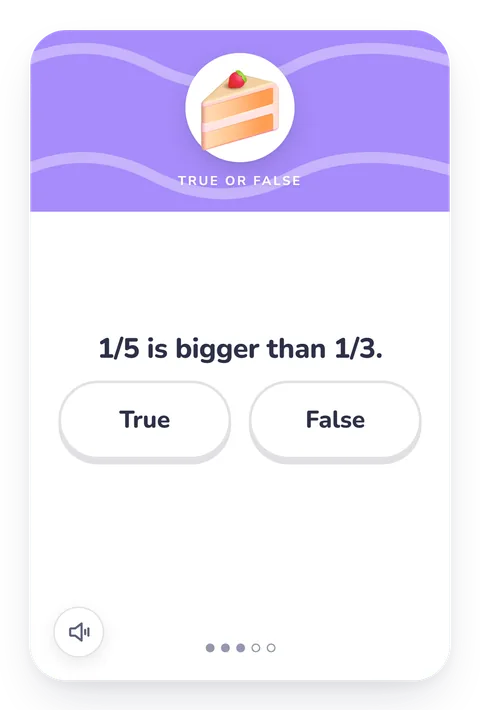
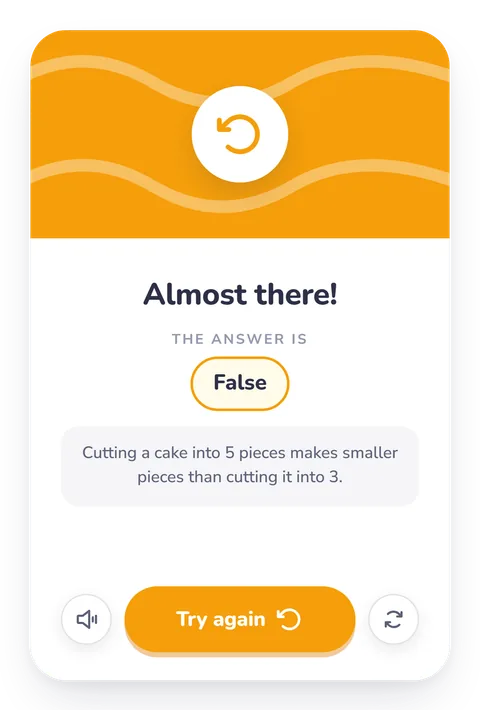
Each card checks the answer and shows why, and a swipe moves on. A session takes about five minutes, and the mix of card types keeps it feeling like a game, not a worksheet.

  • Multiple Choice
  • True or False
  • Match Pairs
  • Sequence
  • Build the Word
  • Spell It
  • Fractions
  • Number Line
  • Bar Model
  • Say It

Meet the cards

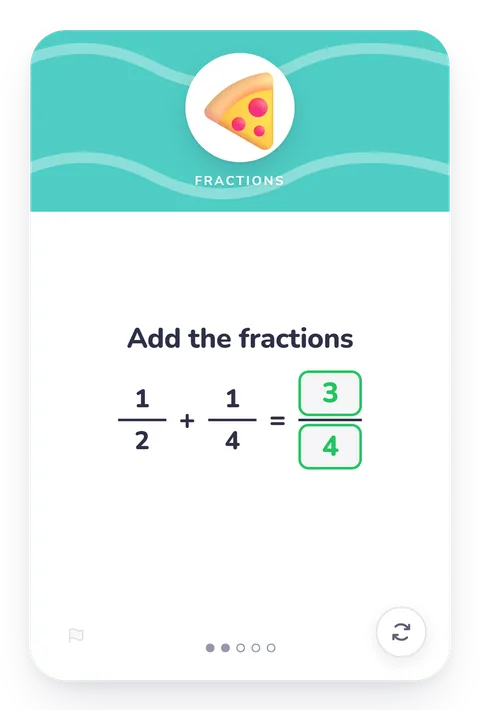
A fraction card: add one half and one quarter, answered three quarters The back of the card: Got it! Make the bottoms match first, then add

Spaced repetition

Back right before it slips.

Every card keeps its own schedule. When your child knows it, the gap before it returns grows from a day to a few days to weeks. When they miss it, it comes back sooner. Review time goes to the cards that need it, which is why a few minutes a day does more than an hour of cramming.

One card's review schedule Memory of a card fades between reviews. Reviews on day 1, 2, 8, 23 and 61 bring it back each time, and it fades more slowly after every review.
One card your child keeps getting right. Each review brings it back, and it fades more slowly every time.

Why it works

Small sessions. Learning that lasts.

Spaced, not crammed.

Each card returns when it's about to be forgotten, not on a fixed rota.

Theirs, not generic.

Decks follow their grade, and the worksheets and stories they actually bring home.

Played, not drilled.

Swipes, instant feedback and a daily streak. A session fits in about five minutes.

Alongside school, always.

SwypeLearn doesn't replace lessons. It makes what was taught stick.

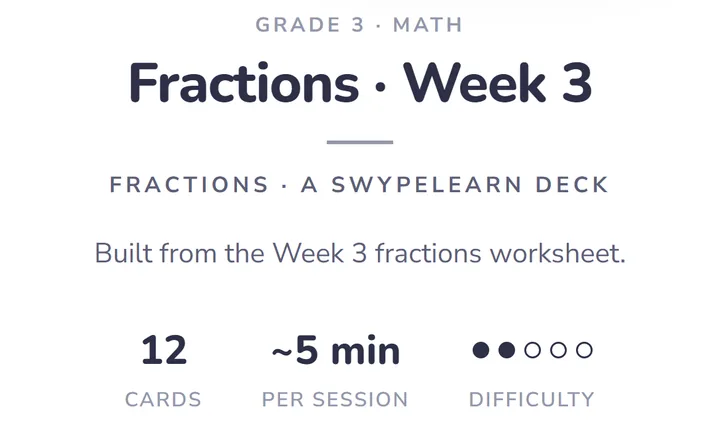
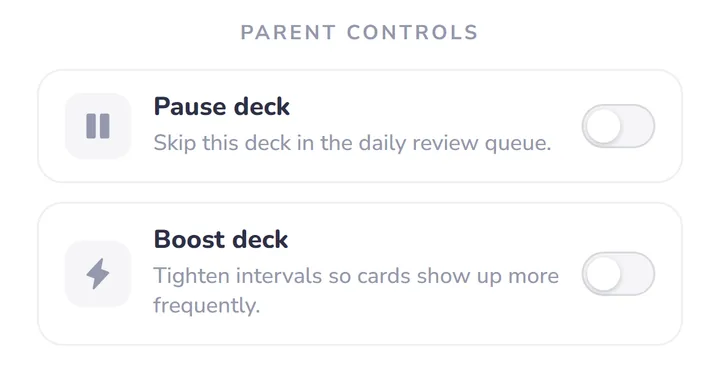
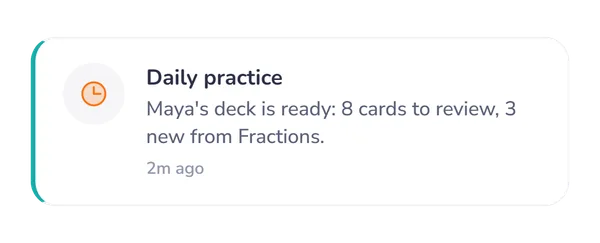
A deck summary: Fractions, Week 3, built from the Week 3 fractions worksheet, 12 cards, about 5 minutes per session Parent controls: pause a deck to skip it in the daily review, or boost it so its cards come back more often A daily practice reminder: Maya's deck is ready, with 8 cards to review

For parents

You set it up once. They take it from there.

Everything you need to keep an eye on things is a tap away, and none of it asks for your evenings.

  • A plan for the school year

    See what your child is working on each week. From Grade 1 to Grade 8, every week comes with a short note on how to help at home.

  • Progress you can read

    The parent dashboard shows which skills are solid and which cards still need work.

  • Your hands on the controls

    Pause a deck, boost one that needs more practice, or make a new one from a topic, a list or a photo.

  • A nudge, not nagging

    A daily reminder when cards are due, so a few minutes of practice turns into a habit.

Deck library

Free practice decks for every grade.

Peek inside any deck before your child plays it, then practise it free in the browser.

Browse the whole library

Privacy

Made for families. Never for ads.

We collect what the app needs to work and nothing it doesn't. Read exactly what that means in our children's privacy notice.

  • No ads and no tracking pixels, anywhere in the app.
  • We never sell or rent personal information.
  • Until a parent creates an account, a child's progress stays on the device.
  • Export or delete your family's data from Settings whenever you like.

Pricing

Free to start. Upgrade only if it helps.

Free

The deck library for your child's grade, daily practice with spaced repetition, the parent dashboard and a monthly allowance for making your own decks.

Plus

A much bigger monthly allowance for making decks, streak freezes and mastery alerts, for up to 2 children.

Family

Everything in Plus for up to 4 children, each with their own decks and progress.

On your phone

One tap from your Home Screen.

It opens full screen, with no browser bars, one tap from your Home Screen. On iPhone it's also the only way daily reminders can reach you.

iPhone and iPad

  1. Open swypelearn.ca in Safari.
  2. Tap Share. On newer iPhones it's under the ⋯ button.
  3. Tap Add to Home Screen, then Add.

Best done before you set up. If you've already started in Safari, sign in once it's on your Home Screen so your child's progress comes with you.

Android

  1. Open swypelearn.ca in Chrome.
  2. Tap Install app when it appears, or open the ⋮ menu and tap Install app.
  3. Tap Install.

Some phones say Add to Home screen instead. On Samsung Internet, open the menu and tap Add page to, then Home screen.

Questions

What parents ask first.

Anything else? Write to support@swypelearn.ca and a person will answer.

What is SwypeLearn?

A learning app for kids 3 to 12. It turns reading, math, spelling and more into a few minutes of swipe cards a day, and uses spaced repetition so what they learn stays learned.

What ages and grades does it cover?

Children from 3 to 12, with decks from Early Years through Grade 8. You pick the grade during setup and can change it later.

How does spaced repetition help?

Each card is scheduled on its own. When your child knows a card, the gap before it comes back grows from a day to a few days to weeks. When they miss it, it comes back sooner. Practice time goes where it's needed.

Can I turn homework into practice?

Yes. Take a photo of a worksheet, paste a spelling list or type a topic, and SwypeLearn builds a deck from it.

Is it free?

Yes. You can start and keep learning on the free plan. Plus adds a much bigger monthly allowance for making decks and streak freezes, and Family covers up to 4 children. See pricing.

Does my child need an account?

No. You can set up a profile and start right away. A free account saves progress to the cloud so it survives a cleared browser and works on more than one device.

Does it work on phones and tablets?

Yes. SwypeLearn runs in the browser on phones, tablets and computers, and you can add it to your phone's Home Screen like an app.

A few minutes today. Still there next month.

A few quick questions and their first deck is ready.